


Microsoft Partner

Call Now:+44 7460 073 228

Business Central Shipping and fulfilment

Ship parcels from the system your team already works in, without retyping orders into carrier portals.

Ship from the system you already use

BC4 is a UK Microsoft Dynamics 365 Business Central partner. We connect Business Central to your carriers as part of the complete retail solution we deliver, so dispatch is quicker and tracking is automatic.

Manual shipping means re-entering order details into carrier portals and copying tracking numbers back by hand. With shipping connected to Business Central, an order goes to the carrier, the label prints and the tracking number comes straight back.

Sound familiar? Signs shipping is slowing you down

01

Are orders retyped into carrier sites?

Order details are copied by hand into several carrier portals.

02

Do tracking numbers go back by hand?

Tracking numbers are pasted back into the order, or customers chase you for them.

03

Is customs paperwork a headache?

Cross-border parcels need documents prepared separately for each shipment.

04

Does every carrier work differently?

Each carrier has its own process, so dispatch depends on who knows which.

What changes when shipping joins Business Central

Dispatch

From order to label in one place

In standard Business Central you record a shipping agent and type a package tracking number in by hand. A shipping connection books the shipment, prints the label and returns the tracking number for you.

  • Shipment details are never typed into carrier portals
  • Labels print without copying and pasting
  • Tracking returns to the order automatically
  • Carrier and service chosen by rules, such as weight or destination

A trade warehouse with staff and stock
Your customers

Tracking, collection and returns

Dispatch is only half of fulfilment. Customers want to know where their order is, to collect it in store if that suits them, and to send it back without fuss.

  • Tracking numbers passed to the storefront and the customer
  • Addresses checked before despatch, so fewer parcels fail
  • Click and collect orders picked up in store
  • Returns recorded in Business Central, so stock and refunds stay in step
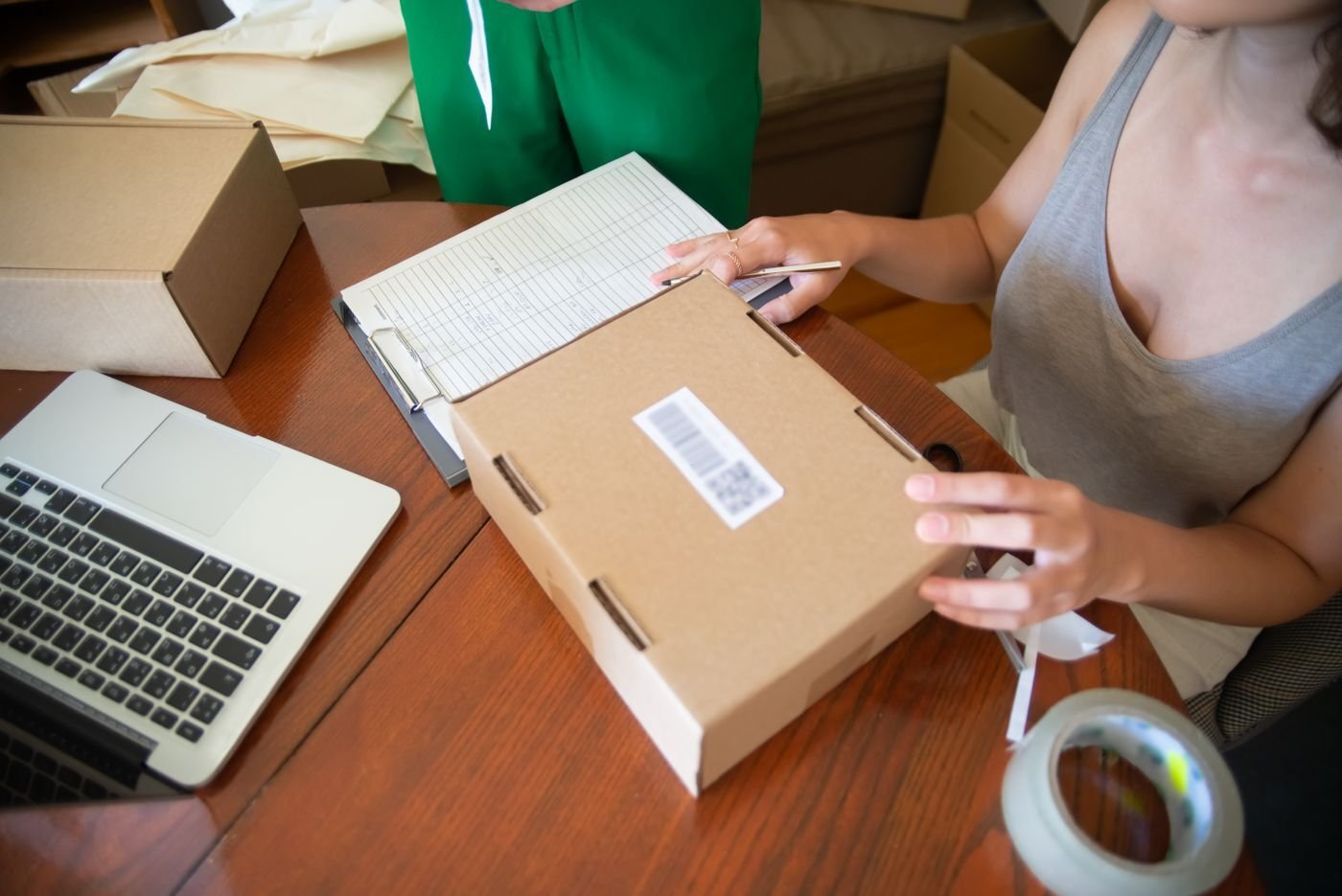
A parcel being labelled for dispatch next to a laptop
Control

Dispatch you can rely on

A shipping connection works best when the rules are agreed before go-live. We set them up with you, then test them before any parcel ships.

  • Rules set once by carrier, service and warehouse
  • Several dispatch points, each with its own carriers and printers
  • Partial shipments and split orders handled in Business Central
  • Customs and carrier requirements agreed up front for cross-border parcels

Shipping features built around Business Central

Dispatch should be the quickest part of an order. These are the areas we set up with you.

Carrier booking

Book a shipment from the order without leaving Business Central, with the carrier and service picked by your rules.

Label printing

Labels print automatically, one at a time or in batches, ready for the parcel.

Tracking returned

Tracking numbers and delivery updates come back into Business Central and on to the customer.

Address checks and returns

Addresses are checked before despatch so fewer parcels fail, and returns are recorded in Business Central so stock and refunds stay in step.

Business Central and shipping

What Business Central does on its own

  • Shipping agents, service codes and carrier tracking links
  • Package tracking numbers entered by hand on posted shipments
  • Warehouse shipments, picks and bins
  • Partial shipments and drop shipments
  • Returns as credit memos and return orders

What a shipping connection adds

  • Carrier booking from the order
  • Labels printed automatically
  • Tracking numbers returned without retyping
  • Rules by carrier, service and weight
  • Address checks before despatch

If you ship a handful of parcels a week, Business Central's own shipping tools may be all you need.

Shipping partner Shiptheory

Shiptheory

A Microsoft Marketplace app that automatically books shipments, prints labels and returns tracking numbers for Microsoft Dynamics businesses.

About Shiptheory and BC4

Picking and packing in the warehouse sits alongside this. See our stock and warehouse page for how that works.

Is it time to automate shipping?

It is usually the right time when

  • You ship a steady volume of parcels each day
  • Staff retype order details into carrier portals
  • You use several carriers
  • Customers chase you for tracking or failed deliveries are costing you
  • You dispatch from more than one location

It may be too early if

  • You ship a handful of parcels a week
  • You use a single carrier with its own simple tool
  • Your orders need heavy manual handling anyway

If that sounds like you, a simpler set-up may do. We will help you decide.

Frequently asked questions

What does Business Central do for shipping on its own?

Business Central lets you set up shipping agents and service codes, store a tracking link for each carrier, and enter a package tracking number on a posted shipment. It also supports warehouse shipments and picks, partial shipments and drop shipments. What it does not do on its own is book the carrier and print the label, which is where a shipping connection comes in.

Can Business Central book carriers?

Yes, with the right connection. Shiptheory is a Microsoft Marketplace app that books the shipment, prints the label and returns the tracking number inside Business Central. BC4 partners with Shiptheory and delivers it with Business Central.

Which carriers can we use?

Shiptheory connects Microsoft Dynamics businesses to global carriers and manages each carrier connection itself. The carriers you can use depend on your set-up and the services you need. Tell us which carriers you use today and we will confirm them with Shiptheory.

Can tracking numbers reach our online store and our customers?

Yes. Once the tracking number is on the shipment in Business Central, it can go back to the storefront and the customer. With the Shopify connector for Business Central, for example, posting a shipment can send the tracking number and carrier to Shopify and into the customer's shipping confirmation. We agree how this works for your storefront.

What about customs for cross-border parcels?

Cross-border parcels need customs information, and what is required depends on the carrier and the route. We confirm what your own routes need during planning rather than assuming it is covered.

What about click and collect and returns?

Click and collect and returns depend on how orders are shared between your website and stores. BC4 plans them as part of your wider set-up, so a store can handle an online order without checking a separate system, and returns are recorded in Business Central.

How long does it take to set up?

Timing depends on the number of carriers, locations and the label formats you need. We agree scope and timings with you rather than quoting a standard figure, then test the connection before go-live.

Can we ship from several warehouses?

Yes. Automation can cover every dispatch point, from a handful of parcels at one site to carrier bookings across many locations. We set up each location with its own carriers and label printing as needed.

Talk to us about your shipping

Whether you want to cut manual keying for a handful of parcels or automate carrier bookings at every dispatch point, we can help.